
Why AI coding sprints turn prototypes into usable products faster
An AI coding sprint helps teams turn ideas into usable prototypes faster by tightening scope, speeding handoffs, and validating workflows early.
Updated Aug 5, 2026
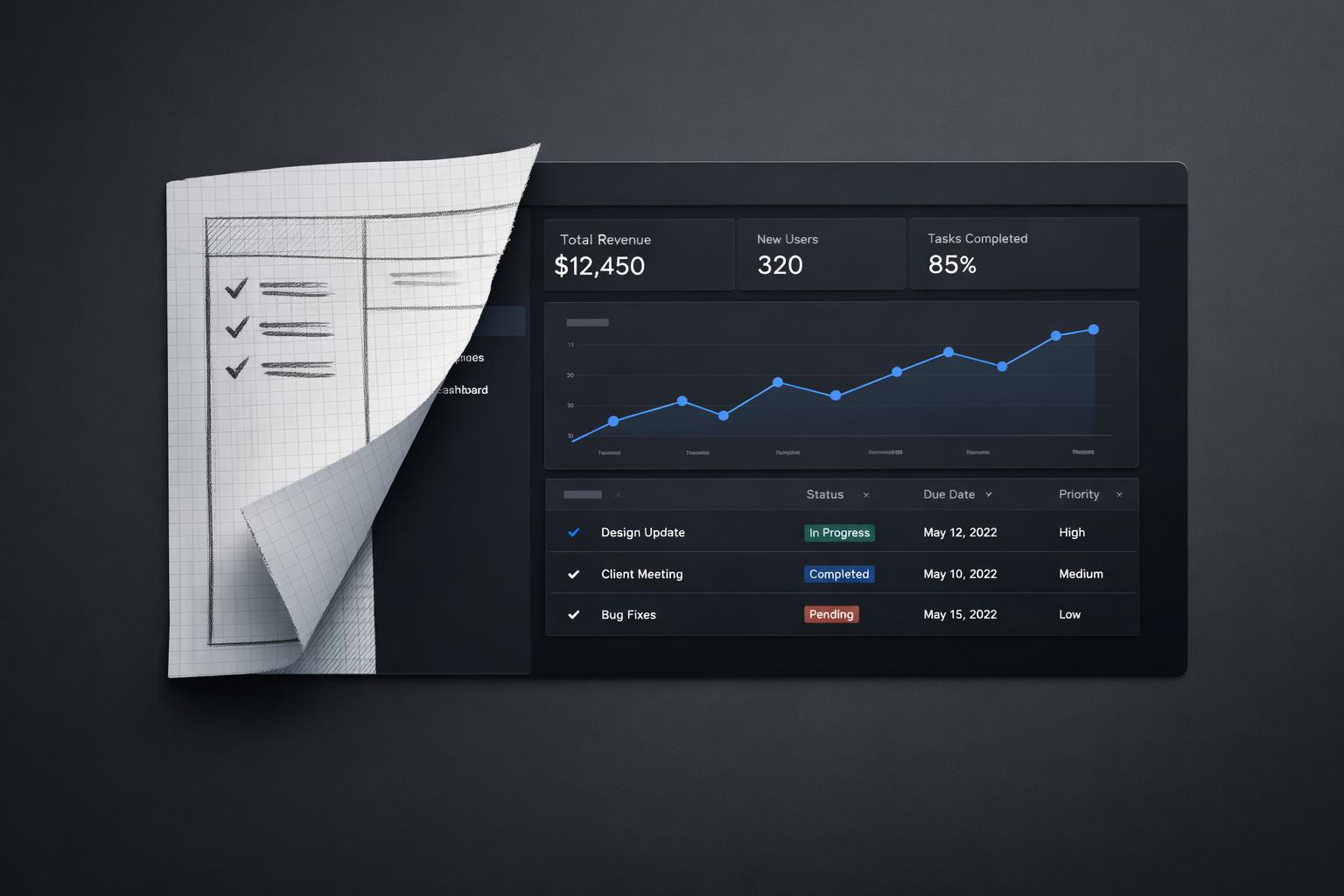
Quick answer: AI coding sprints compress the slowest part of early product development: turning vague ideas, mockups, and assumptions into something real enough to test. They do that by combining tight scope, rapid code generation, faster design-to-code handoffs, and immediate user feedback in one short cycle. The speed gain is real when the team is solving bounded problems and validating concrete workflows, not trying to “AI their whole product” at once (Dear Diary: A randomized controlled trial of Generative AI coding tools in). The catch is that AI makes iteration cheaper, not judgment optional: teams still need product discipline, technical review, and clear success criteria.
TL;DR
- AI coding sprints speed up delivery because they reduce handoff loss between product, design, and engineering, and make it cheaper to build and revise working prototypes quickly.
- They work best for narrow, testable product bets: one workflow, one user problem, one decision to validate.
- The biggest advantage is not just writing code faster; it is learning faster from realistic prototypes with real interactions, data, and edge cases.
- They fail when teams skip validation, trust generated code too much, or use AI to accelerate unclear thinking rather than clear execution.
What is an AI coding sprint, really?
An AI coding sprint is not just “developers using Copilot for a week.” It is a short, focused build cycle where a cross-functional team uses AI coding tools to move from idea to testable product behaviour as fast as possible. The goal is not polished software. The goal is a usable prototype that answers a business question.
That distinction matters. In a normal prototype cycle, teams often lose time in translation: strategy becomes requirements, requirements become tickets, tickets become partial implementations, and by the time something is testable, the original question has drifted. AI coding sprints reduce that drag by letting teams create working interfaces, flows, and integrations earlier in the process. Design-to-code workflows can also reduce information loss between prototype and implementation, which shortens revision loops (2507.09089 Measuring the Impact of Early-2025 AI on Experienced Open-Source).
In practice, the sprint usually centres on one narrow use case:
- Define the user problem and success metric.
- Decide what “real enough to test” means.
- Use AI tools to generate scaffolding, UI, backend glue, test data, and iterations.
- Put the prototype in front of users or internal stakeholders quickly.
- Decide whether to continue, change direction, or stop.
This is why AI coding sprints often outperform broader “innovation initiatives.” They force the team to answer a smaller, more useful question: can we make this workflow work well enough to matter?
There is also a practical reason they feel faster. AI tools are especially good at accelerating repetitive setup work, UI scaffolding, boilerplate, transformation logic, and exploratory implementation. That means the team spends less time getting to the first interactive version and more time refining what users actually experience. Some teams now use AI coding environments and design tools together to move from concept to interactive prototype much faster than before (From Miro Prototype to Working Code: the AI Design-to-Code Workflow).
Why they move faster than normal prototyping
The obvious answer is “because AI writes code.” That is true, but incomplete. The deeper reason is that AI coding sprints remove several forms of delay at the same time.
First, they reduce setup cost. A lot of early product work is not hard in a strategic sense; it is just time-consuming. Wiring forms, creating mock APIs, generating sample data, building admin views, and connecting basic flows can eat days. AI tools can compress much of that work into hours, especially when the architecture is simple and the constraints are clear.
Second, they make iteration cheaper. In a traditional sprint, changing direction after seeing a prototype can feel expensive, so teams defend weak ideas for too long. In an AI coding sprint, revising the flow, changing the interaction model, or rebuilding a component is often cheap enough that the team can follow evidence instead of sunk cost. That changes behaviour. Teams test more options because the cost of being wrong early is lower.
Third, they bring product and engineering closer together. A PM or designer who can help shape prompts, inspect generated behaviour, and work directly in a prototype loop can contribute more concretely before a full engineering handoff. That does not remove the need for engineers. It means engineers spend more time on the hard parts: architecture, correctness, integration, and trade-offs.
Fourth, they make prototypes more realistic. This is one of the most underrated benefits. Static mockups are useful, but many product decisions only become visible when users can click, input data, hit errors, and move through a real flow. Figma has highlighted examples of teams building code-backed prototypes with simulated backends and realistic data to test actual scenarios rather than abstract screens (the-state-of-enterprise-ai_2025-report.pdf). That kind of prototype produces better feedback because users react to behaviour, not just visuals (The AI Productivity Paradox Research Report).
There is evidence that developers themselves often expect AI tools to save time, though the real-world effect varies by task and context. That variability is exactly why sprint structure matters. AI alone does not guarantee speed. A tightly scoped sprint does.
Where AI coding sprints create the biggest product advantage
The strongest use case is not “build the whole product in a week.” It is “de-risk the next important decision quickly.”
For SMEs, that usually means one of four things:
- Validating whether a workflow is worth building
- Proving that a painful manual process can be automated
- Testing whether users understand and trust an AI-assisted feature
- Creating an internal tool prototype before committing engineering capacity
This is where AI coding sprints outperform normal discovery decks and static prototypes. They let teams test the operational reality of a concept. Can the workflow handle messy inputs? Does the AI output need too much correction? Is the user willing to trust the suggestion? Does the handoff between human and model feel clear? These are product questions, not just engineering questions.
AI design sprint approaches are often used specifically to test GenAI concepts quickly when time and roadmap space are limited. The value is not only speed to prototype. It is speed to evidence. Sometimes the evidence says “yes, build this.” Sometimes it says “this is not viable.” That is still a good outcome if it prevents months of waste. Case-based design sprint writing often points to this exact benefit: identifying flaws early before larger investment.
Another advantage is organisational. AI coding sprints create visible momentum. Leaders can see a working artifact, not just hear a strategy update. Product teams learn what good AI use cases actually look like. Engineers see where AI tools help and where they create review overhead. That shared learning matters if the company wants repeatable AI capability rather than isolated experiments.
This is also why sprints are useful for internal enablement. A well-run sprint teaches teams how to scope AI work, how to validate it, and where the limits are. The prototype is valuable, but the capability built during the sprint is often more valuable.
A concrete SME sprint example: From prototype to next-step product work
A typical 5-day SME sprint might involve one PM, one designer for the first 2 days, two engineers, and one operations lead or subject-matter expert for 30 to 60 minutes of daily review. For example, imagine a 120-person B2B services company trying to reduce the time account managers spend turning client call notes into CRM updates and follow-up emails.
Day 1: define the workflow, success metric, and guardrails. The team agrees the sprint will only cover “meeting notes to draft CRM summary + follow-up email,” not the whole account management process. Day 2: build a realistic prototype with sample notes, CRM fields, approval steps, and obvious failure states. Day 3: test with 5 internal users, watch where outputs fail, and tighten prompts, UI, and review logic. Day 4: connect to a sandbox CRM, add logging, and measure completion time and edit rate. Day 5: review evidence and decide what moves forward.
The prototype stage proves the flow works at all. Validation shows whether it is usable: for instance, draft preparation time drops from 18 minutes to 6, but users still rewrite 40% of emails because tone is inconsistent. That changes the next step. Instead of “ship the whole assistant,” product work narrows to production-grade CRM integration, tone controls, audit logs, and human approval. That is the real transition point: the sprint output is not production software, but a validated slice with clear backlog items, known risks, and evidence strong enough to justify proper delivery.
What makes an AI coding sprint succeed instead of producing demo-ware
The fastest way to waste a sprint is to confuse speed with progress. AI can generate a convincing demo very quickly. A convincing demo is not the same as a usable product.
The first success factor is scope. Good AI coding sprints are narrow. They target one user, one workflow, one measurable outcome. If the brief says “explore AI for customer support,” the sprint will drift. If it says “reduce first-draft response time for support agents on billing tickets while keeping human approval,” the team can build something testable.
The second is realism. The prototype needs enough truth in it to expose the real risks. That often means using representative data, simulating backend behaviour, and including failure states. If the prototype only works in the happy path, the team learns very little.
The third is review discipline. AI-generated code can accelerate implementation, but it also creates validation work. Research on workplace AI coding tools suggests that gains are not uniform, and some categories of errors are harder to detect because reviewing generated output is cognitively demanding. The same paper notes a broader automation problem: humans are not especially good at passive monitoring tasks. In plain terms, teams can miss subtle issues if they assume generated code is “probably fine.”
The fourth is the right team shape. You need product judgment, engineering judgment, and access to users or stakeholders who can react quickly. A sprint run only by engineers may produce something technically impressive but strategically vague. A sprint run only by product may produce a polished concept with weak implementation assumptions.
The fifth is a clear decision at the end. Every sprint should end with one of three outcomes: proceed, revise, or stop. If the team cannot say what was learned and what happens next, the sprint was probably just accelerated activity.
A simple rule helps: if the sprint cannot define what evidence would count as success before building starts, it is not ready.
How SMEs should use AI coding sprints without creating chaos
For SMEs, the risk is not moving too slowly. It is creating a pile of disconnected AI experiments that never become capability. AI coding sprints work best when they sit inside a simple operating model.
Start with a shortlist of opportunities, not a blank canvas. Pick problems where speed matters and uncertainty is high: internal workflows, repetitive product tasks, support tooling, onboarding flows, reporting, or AI-assisted features with clear user value. Then rank them by business impact, feasibility, and how quickly a prototype could produce a decision.
Next, define what the sprint is for. There are only a few valid reasons to run one:
- Validate demand
- Validate usability
- Validate technical feasibility
- Validate workflow economics
If you try to answer all four at once, the sprint becomes muddy.
Then set guardrails. Decide which tools are allowed, what data can be used, what quality bar applies, and what must be reviewed manually. This is especially important if teams are using AI coding assistants across product and engineering. Without guardrails, speed at the prototype stage can create security, maintainability, or governance problems later.
After the sprint, do not just ask “did we build something?” Ask:
- What did we learn that changed our decision?
- What parts of the prototype are reusable?
- What technical debt did the sprint intentionally accept?
- What capability did the team gain?
- Should this move into a proper product backlog?
This is where many companies fall short. They run a sprint, show the demo, and move on. The better approach is to treat each sprint as both a product experiment and a team enablement exercise. Over time, that creates internal champions who know how to scope AI work properly, use tools responsibly, and separate genuine opportunities from novelty.
For SMEs especially, that is the real leverage. You are not trying to win by running one magical sprint. You are trying to build a repeatable way to turn promising ideas into evidence, then into products, without months of delay.
Bottom line
AI coding sprints turn prototypes into usable products faster because they cut the distance between idea, implementation, and evidence. They are most effective when the team is testing a narrow product bet, using realistic workflows, and reviewing AI-generated output carefully. For SMEs, the real payoff is not just faster prototypes. It is a repeatable way to learn what is worth building before committing full delivery effort.
If your teams already have scattered AI experiments, a structured sprint is often the fastest way to turn that energy into something useful: a validated workflow, a clearer product decision, and a team that knows how to do it again.