10 AI assisted workflows for product and engineering teams
Discover AI assisted workflows that reduce repeatable work for product and engineering teams while keeping human judgement, review, and control intact.
Updated Aug 5, 2026
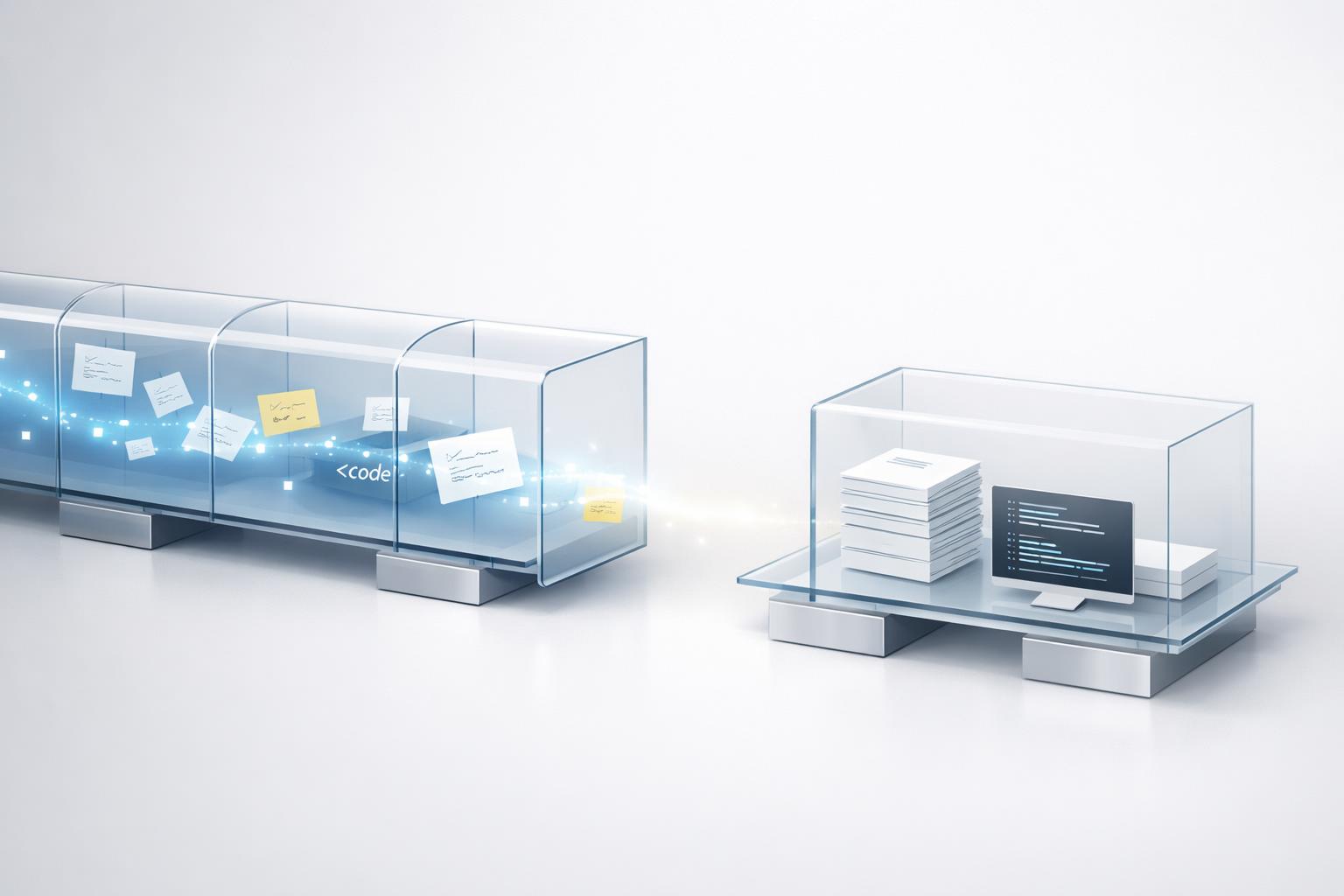
AI assisted workflows is not about replacing human judgment; it is about routing repeatable work through governed, reviewable steps.
Quick answer: The most useful AI-assisted workflows for product and engineering teams are the ones that remove repeatable cognitive drag without taking final judgement away from people: turning raw research into summaries, converting meetings into decisions and actions, drafting PRDs and user stories, speeding up discovery analysis, generating first-pass designs, assisting code implementation, improving code review, strengthening test creation, automating documentation, and accelerating incident analysis. These workflows work best when teams define clear inputs, human checkpoints, and a narrow “done” standard, because AI can improve speed and coverage while still being unreliable on facts, edge cases, and business context.
TL;DR
- Start with workflows that already happen every week and are easy to verify: meeting notes, ticket drafting, test generation, PR review support, and documentation.
- Use AI for first drafts, summarisation, classification, and suggestion generation; keep humans responsible for approval, prioritisation, and production decisions.
- Developer productivity gains are real in some settings, but they are not automatic; results depend on integration, review habits, and the type of work being assisted.
- The best rollout is not “give everyone a tool and hope”. It is workflow-by-workflow enablement with examples, guardrails, and internal champions.
1. What makes an AI-assisted workflow actually useful?
An AI-assisted workflow is not just “using ChatGPT at work”. It is a repeatable sequence where AI helps with one or more steps in a business process: gathering inputs, producing a draft, classifying information, suggesting options, or checking for issues. That is different from casual experimentation, and it matters because teams only see repeatable value when the work pattern itself changes (Pre-AI Baseline: Developer IDE Satisfaction and Tool Autonomy in 2022).
For product and engineering teams, the best workflows usually share four traits:
- The input is common and easy to collect. Think meeting transcripts, support tickets, Git diffs, bug reports, research notes, or analytics exports.
- The output is easy to review. Summaries, action lists, acceptance criteria, tests, and documentation are much safer than fully autonomous product decisions.
- The cost of a weak first draft is low. AI is good at getting teams from blank page to something reviewable.
- There is a clear human checkpoint. Somebody must approve, correct, or reject the result.
That last point is non-negotiable. Research and practitioner literature on AI in software engineering consistently highlights reliability concerns, integration overhead, dependency risks, and IP or governance questions as real limits to adoption (Copiloting the future: How generative AI transforms Software Engineering - ScienceDirect). Human oversight is especially important for generated code, tests, data logic, and documentation because “plausible” is not the same as “correct” (Best Practices for Integrating AI into Your Dev Team’s Workflow - INSPYR Solutions).
If you are leading an SME, the practical question is not whether AI can help in theory. It is which workflows your teams already perform often enough that better drafts, faster triage, or shorter review loops will compound into visible gains.
2. Which 10 workflows are worth implementing first?
Here are 10 high-value AI-assisted workflows that are realistic for product and engineering teams.
-
Research and feedback summarisation Feed customer interviews, survey responses, support tickets, and sales notes into an AI workflow that extracts themes, repeated pain points, and candidate opportunities. Product teams save time on synthesis, but should still validate the patterns against raw evidence.
-
Meeting-to-decision workflow Record product reviews, stand-ups, backlog grooming, or incident calls. Use AI to generate decisions, owners, deadlines, and unresolved questions. This is one of the fastest wins because the output is easy to check.
-
PRD and user story drafting Turn notes, goals, and constraints into first-pass PRDs, epics, user stories, acceptance criteria, and release notes. AI is useful for structure and completeness, not for deciding what matters most.
-
Backlog triage and ticket enrichment Classify incoming issues, cluster duplicates, suggest severity, and turn vague bug reports into reproducible tickets. This reduces manual admin and improves handoffs between support, product, and engineering.
-
Discovery analysis and idea comparison Ask AI to compare solution options against constraints, assumptions, risks, and dependencies. This is especially helpful for framing trade-offs before a workshop.
-
Early design exploration Product and design teams can use AI-assisted wireframing and concept generation to visualise ideas faster, especially at low fidelity .
-
Code implementation assistance Engineers can use AI in the IDE for boilerplate, refactors, API usage hints, migrations, and first-pass implementations (Real-world gen AI use cases from the world's leading organizations | Google Cloud Blog). Evidence from enterprise deployments suggests meaningful productivity gains are possible, including reduced PR cycle times, though results vary by context.
-
AI-assisted code review Use AI to flag risky changes, missing tests, style inconsistencies, possible security issues, or unclear naming before human review (AI-Driven Development Life Cycle: Reimagining Software Engineering | AWS DevOps & Developer Productivity Blog). AI does not replace reviewers; it shortens the search space.
-
Test generation and edge-case expansion Generate unit tests, integration test ideas, boundary cases, and regression scenarios from diffs or requirements. Human verification is still needed, especially for business-critical logic.
-
Documentation and knowledge capture Turn code changes, architecture discussions, and support resolutions into internal docs, runbooks, changelogs, and onboarding notes. This is often undervalued, but it improves team autonomy over time.
These workflows also map well to real organisational use cases already seen across large platforms: summarisation, status reporting, research support, document review, and data filtering are common patterns in enterprise generative AI adoption.
Quick answer: Workflow selection table
Use this as a practical shortlist when deciding what to pilot first. “Low/medium/high” is about operational risk if the AI output is wrong, not strategic value.
| Workflow | Primary users | Example input | Expected output | Recommended tools | Risk | Setup effort | First implementation step | Useful metric | Common failure mode |
|---|---|---|---|---|---|---|---|---|---|
| Research summarisation | Product, UX, founders | 5 interview transcripts | Themes, quotes, pain points | ChatGPT, Claude, NotebookLM, Gemini | Medium | Low | Create one shared summary template | Synthesis time saved | Invented patterns not backed by evidence |
| Meeting-to-decision | Product, engineering, ops | Call transcript or notes | Decisions, owners, actions | Otter, Fireflies, Zoom AI, ChatGPT | Low | Low | Pilot on one weekly team meeting | Action-item completion rate | Confusing discussion with decisions |
| PRD and story drafting | PMs, product leads | Goals, notes, constraints | PRD draft, stories, acceptance criteria | ChatGPT, Claude, Notion AI, Jira AI | Medium | Low | Standardise one PRD prompt and format | Drafting time | Over-complete but weak prioritisation |
| Backlog triage | Support, PMs, EMs | Incoming bug reports | Classified, enriched tickets | Jira AI, Linear, Zendesk AI, ChatGPT | Medium | Medium | Start with one issue type, eg bugs | % tickets needing rewrite | Poor severity guesses |
| Discovery analysis | PMs, founders, tech leads | Options, assumptions, constraints | Trade-off comparison | ChatGPT, Claude, Gemini | Medium | Low | Use on one upcoming decision memo | Decision-prep time | False confidence in shallow comparisons |
| Early design exploration | Product, design | Feature brief | Low-fi concepts or flows | Figma AI, v0, Galileo | Medium | Medium | Limit to rough concepts only | Time to first artefact | Polished-looking but unusable output |
| Code implementation assistance | Engineers | Function spec, existing file, diff | First-pass code or refactor | Cursor, GitHub Copilot, Claude Code | High | Medium | Restrict to low-risk internal tasks first | Cycle time per task | Insecure or incorrect code accepted too quickly |
| AI-assisted code review | Engineers, reviewers | PR diff | Review comments, risk flags | GitHub Copilot, CodeRabbit, Cursor | High | Medium | Add AI as pre-review, not final gate | PR review turnaround time | Noise and false positives |
| Test generation | Engineers, QA | Diff, function, requirement | Unit tests, edge cases | Cursor, GitHub Copilot, ChatGPT | Medium | Low | Start with unit tests on non-critical code | Test coverage delta | Brittle or superficial tests |
| Documentation capture | Engineers, PMs, support | PRs, incident notes, decisions | Runbook, changelog, internal doc | Notion AI, Confluence AI, ChatGPT | Low | Low | Pick one doc type, eg release notes | Documentation freshness | Generic docs that miss context |
A simple maturity rule helps with prioritisation: start with low-risk, low-setup workflows first (meeting notes, documentation, PRD drafts, test ideas), then move to medium-risk coordination workflows (research, backlog triage, discovery), and only after that scale high-risk engineering assistance (implementation and AI review) with stronger guardrails.
3. How do product teams use these workflows without creating more noise?
Product teams often get excited about AI first, then accidentally create a mess: ten prompts, five tools, no shared format, and no way to compare outputs. The fix is to design workflows around team decisions, not individual novelty.
A good product-team setup usually looks like this:
- One shared template per workflow
- Defined source inputs
- A named reviewer
- A standard output format
- A rule for where the final version lives
Take customer research summarisation. Instead of everyone prompting differently, create a standard workflow: transcript in, summary out with problem statements, evidence snippets, frequency estimate, and confidence level. That makes AI output comparable and easier to challenge. The same applies to PRD drafting. If AI generates a draft, require the document to clearly separate facts, assumptions, and open questions.
AI can also reduce admin around planning. Meeting notes, backlog shaping, release summaries, and status updates are ideal because the team can quickly spot weak output. The danger is when product teams use AI to simulate certainty. If the model sounds confident, leaders may forget that prioritisation still depends on strategy, margins, customer segment importance, and delivery capacity.
Design is similar. AI-assisted wireframing and concept generation can help teams move from vague ideas to discussable artefacts faster. But first-pass designs should stay deliberately rough. The goal is speed to conversation, not fake polish.
In practice, the best product teams use AI to accelerate synthesis and drafting, then spend the saved time on judgement: choosing trade-offs, aligning stakeholders, and testing assumptions with real users.
4. How do engineering teams use AI safely and effectively?
Engineering teams usually get value from AI fastest, but they also face the sharpest risks. The reason is simple: code can run, fail, expose data, or create long-term maintenance costs. So the question is not “should engineers use AI?” but “where do we want assistance, and what checks are mandatory?”
The strongest use cases are narrow and reviewable: boilerplate generation, test scaffolding, code explanation, migration assistance, documentation, and pre-review issue spotting. AI can also reduce friction in the software lifecycle more broadly by helping teams move faster from requirement to implementation to validation.
Evidence for impact is increasingly credible, but mixed in practice. One large real-world enterprise study across 300 engineers reported statistically significant productivity improvements, including a 31.8% reduction in PR review cycle time. At the same time, research on AI in software engineering warns that reliability concerns, integration gaps, and underestimated overhead can limit outcomes (AI-Driven Innovations in Software Engineering: A Review of Current Practices and Future Directions).
A pragmatic safety model for engineering teams includes:
- Human review for all production code
- Clear rules on sensitive data and proprietary code
- Security and performance checks that do not rely on AI alone
- Tracing which changes were AI-assisted when possible
- Team examples of good and bad usage
Also remember developer experience. Tool autonomy strongly affects satisfaction: even before widespread AI adoption, developer survey data showed that freedom of tool choice was an important predictor of IDE satisfaction. That matters now too. Forced top-down rollout without team involvement usually triggers resistance or superficial usage.
The right balance is standards without rigidity: approved tools, defined review expectations, and enough flexibility for engineers to adapt the workflow to real codebase conditions.
5. How should SMEs roll these workflows out so adoption sticks?
Most failed AI rollouts in SMEs have the same pattern: leadership buys licences, a few enthusiasts do cool demos, nobody changes team habits, and six months later there is no measurable adoption. Workflow rollout should be operational, not symbolic.
A simple approach is to implement in this order:
-
Pick 2-3 workflows with frequent repetition and low downside. Good starters: meeting notes, ticket enrichment, test generation, documentation drafts.
-
Define success in team terms. For example: time saved per sprint, reduction in incomplete tickets, shorter review cycles, better doc coverage, or faster handoffs.
-
Create one approved method per workflow. Which tool, what input format, what prompt or template, what output format, what reviewer.
-
Train on real work, not abstract theory. A hands-on session using live backlog items or recent PRs teaches far more than generic “AI basics”.
-
Nominate internal champions. Champions collect examples, fix weak prompts, answer tool questions, and keep usage aligned across teams.
-
Review outcomes after 30 days. Keep what produces measurable value. Kill what creates friction.
This matters because AI adoption is as much cultural as technical. Teams need examples of what “good use” looks like in their own context, especially in distributed organisations where informal over-the-shoulder learning is weaker. They also need proof that the workflow helps real delivery, not just curiosity.
In our view, SMEs should resist the urge to start with the grandest use case. Start where verification is easy and the work is already happening every week. Once those workflows become normal, it becomes much easier to expand into deeper product discovery, architecture support, or prototype generation.
Bottom line
AI-assisted workflows are worth implementing when they reduce repeatable work and make team decisions easier, not when they produce impressive-looking output with no operational change. For most product and engineering teams, the best starting points are summarisation, drafting, triage, review support, test generation, and documentation. Keep humans accountable for judgement, rollout only a few workflows at a time, and measure whether the team actually works better. If you do that, AI becomes part of delivery rather than another disconnected experiment.
AI assisted workflows deliver value only when they cut repeatable work, improve decisions, and become part of delivery rather than another disconnected experiment.